


 By Brent Ervin-Eickhoff
•
12 Aug 2026
•
Updated 16 Sep 2026
•
5 min read
•
Direct Mail & Print Marketing
By Brent Ervin-Eickhoff
•
12 Aug 2026
•
Updated 16 Sep 2026
•
5 min read
•
Direct Mail & Print Marketing
What is a brand manual?
A brand manual is a reference document that defines how your company looks, sounds, and shows up everywhere it appears. It’s also called a style guide or brand guidelines, and its job is simple: give anyone creating content for your business, whether that’s your in-house designer or a freelance contractor, the rules they need to stay consistent.
Without one, your logo ends up stretched on a partner’s slide deck, your brand colors drift from campaign to campaign, and your “voice” changes depending on who’s writing that week. That drift isn’t just a design headache either, inconsistent branding has a measurable effect on revenue and customer trust, and organizations that maintain consistent branding have reported revenue increases as high as 33%, according to Marq’s (formerly Lucidpress) State of Brand Consistency research.
What should a brand manual include?
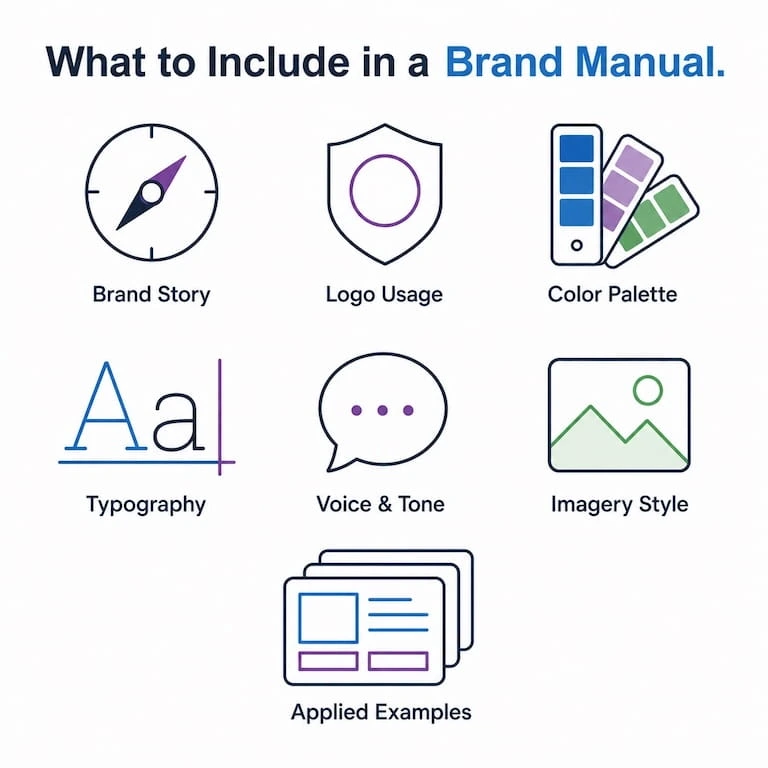
A brand manual should include seven core sections: brand story, logo usage, color palette, typography, voice and tone, imagery style, and applied examples.
- Brand story and mission. A short statement of who you are and why you exist. This gives everything else context.
- Logo usage. Approved logo variations (full color, monochrome, horizontal, stacked), minimum sizing, clear space requirements, and a few “don’t do this” examples.
- Color palette. Primary and secondary colors with hex, RGB, and CMYK values, so digital and print teams are both working from the same source.
- Typography. Approved fonts for headlines, body copy, and any fallback fonts for platforms that don’t support your primary typeface.
- Voice and tone. How your brand talks. Include a few sample sentences showing your tone in action, not just adjectives like “friendly” or “bold.”
- Imagery and photography style. The kind of visuals that feel on-brand: lighting, composition, whether you use illustration or photography, and how you treat stock images if you use them at all.
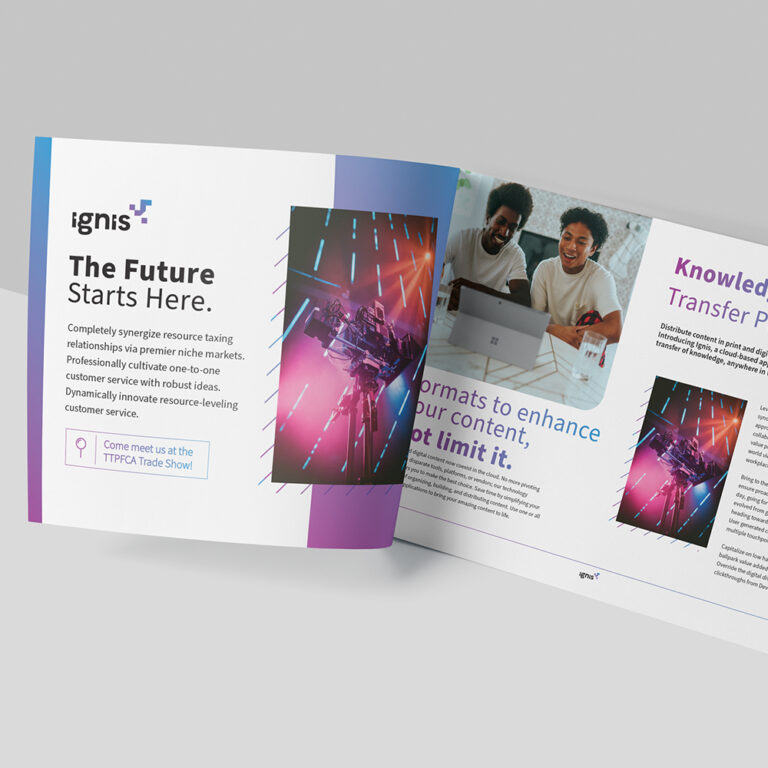
- Applied examples. Show the guidelines in use on a business card, a social post, and a slide template, so people can see the rules applied instead of just reading them. Seeing how the guidelines translate to physical materials makes this section land, since print often reveals inconsistencies that never show up on a screen.
Skip any of these and you’ll end up fielding one-off questions from every new hire or vendor who touches your brand.
What tools can you use to build a brand manual?
Most teams build their brand manual in a design tool they already use. Figma is a strong choice if your design and product teams already collaborate there, since it keeps the guide close to the files people are actually using. Adobe Illustrator gives you the most control over precise typography and print-ready color specs, which matters if your brand shows up in physical materials as often as digital ones. For teams without a dedicated designer, even a well-organized Google Slides or PowerPoint deck works, as long as someone owns keeping it current.
Whichever tool you pick, treat the brand manual like a living document. Set a review cadence, quarterly or twice a year works for most companies, so it doesn’t go stale the moment your visual identity evolves. When your brand manual is ready, you can print it on-demand and have it sent to your business or training site. If you need to make changes, simply edit your file, upload it again, and print the new version instantly.
How do you distribute a brand manual to your team?
Distribute a brand manual by keeping one current version in a shared, easy-to-update location, rather than emailing static files that go stale. A brand manual only works if the right people can find that version when they need it.
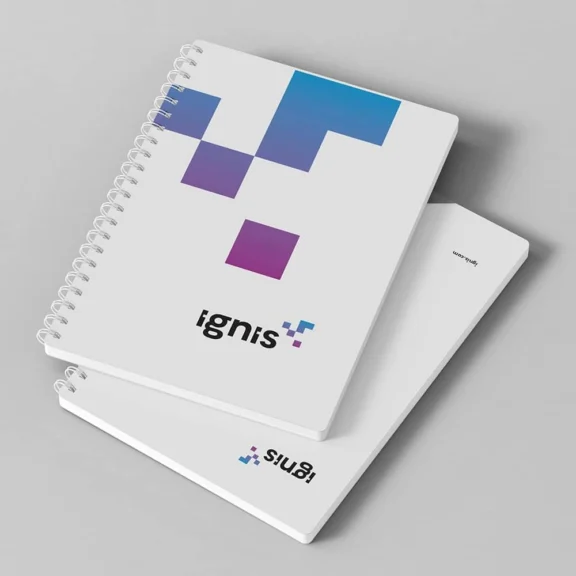
Two things matter here: version control and accessibility. Keep the manual in one place that everyone knows to check, and make sure it’s easy to update without needing to re-send it to every stakeholder. If your brand guidelines govern physical materials too, like printed sales collateral, event signage, or printed reference manuals that stay consistent no matter who orders them, build a way for approved teams to order those materials without redesigning them from scratch each time. That’s the difference between a brand manual people read once and one people actually use. And if your team already has the manual built out digitally, turning that content into a printed booklet is often faster than starting a print version from zero.
Frequently Asked Questions
How long should a brand manual be?
There’s no fixed length. A startup might cover the essentials in 10 pages, while an enterprise brand with multiple product lines might run past 50. Length should match how many people use the guide and how much variation you need to control.
Who should be responsible for maintaining a brand manual?
Usually a marketing or brand lead owns it, but the best manuals get input from design, sales, and anyone else who regularly creates customer-facing materials.
Does a brand manual need to be a PDF?
No. A PDF is common, but some teams maintain their guidelines as a live webpage or a Figma file so updates are instant instead of requiring a new file to be redistributed. Printed manuals are also valuable for marketing and sales teams.
Key takeaways
- A brand manual keeps your visual and verbal identity consistent across every team and channel.
- Cover brand story, logo usage, color, typography, voice, imagery, and applied examples at minimum.
- Canva, Figma, and Adobe Illustrator are common build tools; pick based on how your team already works.
- Distribution and version control matter as much as the content itself. A guide nobody can find or trust gets ignored.
Ready to put your brand guidelines into practice? See how Mimeo keeps your printed materials on-brand every time you order.
What you should read next

Brent Ervin-Eickhoff
Director of Marketing
Brent Ervin-Eickhoff is a Chicago-based marketer with B2B and B2C experience spanning corporations, agencies, and non-profits, including five years of experience in print. From Volkswagen to the University of Chicago, his background is focused in crafting marketing campaigns that drive results.

 Mimeo Print
 Mimeo Digital for Participants
 Mimeo Marketplace
 PrintX
 Mimeo Photos