



 By Brent Ervin-Eickhoff
•
14 Aug 2026
•
Updated 16 Sep 2026
•
5 min read
•
Direct Mail & Print Marketing
By Brent Ervin-Eickhoff
•
14 Aug 2026
•
Updated 16 Sep 2026
•
5 min read
•
Direct Mail & Print Marketing
If you manage marketing for a business with more than one location, you know the yard sign problem well. Corporate approves a design, then every location asks for a version with its own address, manager name, or grand opening date. Before long you’re juggling a dozen versions of the same file, or worse, each location is designing its own and your branding starts to drift. That drift has a real cost. Consistent brand presentation can increase revenue by 10 to 20 percent, so getting the sign ordering process right is worth the setup time.
Yard signs are one piece of a bigger outdoor signage lineup worth knowing about if you’re weighing formats for different locations or use cases.
How do you keep yard sign branding consistent across multiple locations?
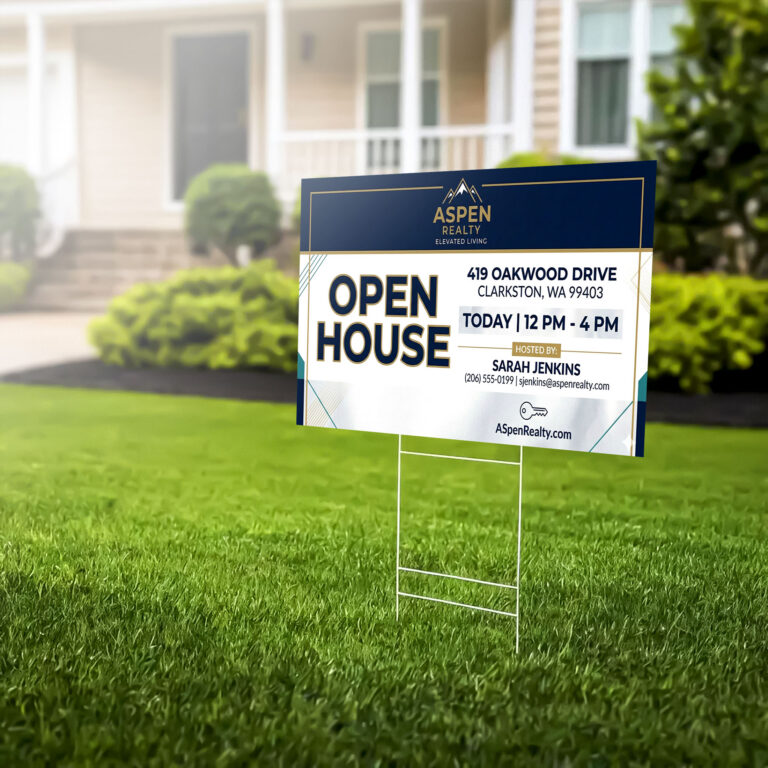
You keep branding consistent by locking the parts of the design that represent your brand and leaving only a few fields open for each location to customize. Your logo, colors, layout, and core message stay fixed. The details that change from site to site, like an address, a phone number, or a manager’s name, sit in clearly defined fields that don’t touch the rest of the design.
This approach removes the guesswork for individual locations. Nobody has to open a design file and hope they don’t accidentally change the wrong element. They fill in their information and the rest of the sign stays exactly as corporate intended. It’s also increasingly formal: many franchise and multi-location agreements require locations to purchase signage that meets brand standards, so a locked template isn’t just convenient, it’s often part of the agreement.
Can you order yard signs with different information for each location?
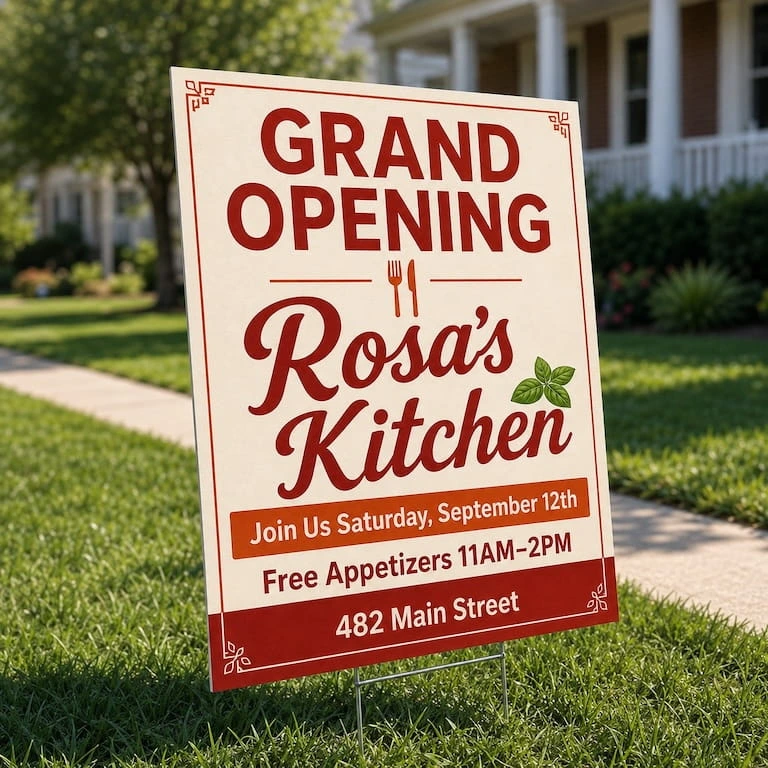
Yes. Variable data printing lets you generate dozens of unique signs from one template in a single batch order. You set up the template once, provide a list of what changes for each location, and each sign prints with its own details while everything else stays identical.
This works well for:
- Grand opening signs where each location needs its own date and address
- Local manager or contact names on service or leasing signs
- Store-specific phone numbers or promotion dates
- Directional signs that point to different entrances depending on the site
Instead of managing separate files for every location, you manage one template and one list.
How do multi-location businesses reorder yard signs without starting over?
A branded ordering portal lets any location manager reorder an approved design without touching the artwork or waiting on corporate to resend a file. This is where a lot of multi-location businesses lose time. A location runs out of signs, emails marketing, waits for a response, and the request sits in a queue behind everything else on your plate.
With a self-serve ordering setup, locations pick from a set of pre-approved designs and place their own reorders. Marketing keeps control over what’s available and how it looks, and locations get what they need without adding another task to your list. If you’re rethinking how print requests move through your organization more broadly, managing print without a dedicated print team covers the same standardize-and-delegate approach.
What’s the most cost-effective way to buy yard signs in bulk for multiple sites?
Ordering as one consolidated batch instead of collecting separate purchases from each location gets you better pricing and a simpler shipping process. Bulk pricing brings the cost per sign down as your quantity goes up, and one coordinated order is easier to track than a dozen individual ones placed at different times.
You can still ship to multiple addresses from a single order, so locations get their signs directly without you having to redistribute them after the fact. Retailers managing shop-in-shop or mini-store partnerships run into this same challenge with signage and marketing collateral across dozens of locations, and the same consolidated-order approach applies.
What should a yard sign for a business location include?
Keep it simple and legible from the street. A few things matter most:
- High contrast colors, like black and white or your brand colors if they read well against each other
- A short, clear message. Drivers only get a second or two to read it
- Your logo and contact information sized large enough to see from a passing car
- A sturdy H-stake setup so the sign stays upright and installs in minutes
Frequently asked questions
How many yard signs can be customized in one order?
There’s no set limit. Batch orders with variable data can produce signs for anywhere from a handful of locations to several hundred in a single run.
Do all locations need to use the same sign material?
No, but it’s usually easier to standardize on one material and size across locations so pricing stays predictable and every site has a consistent look.
Can a single location reorder without going through corporate?
Yes, if you set up a branded ordering portal. Locations can reorder approved designs directly, while marketing keeps control over what’s available to order.
How long does a multi-location yard sign order take to ship?
Turnaround depends on order size and how many shipping addresses are involved, but batch orders are typically processed together so locations receive their signs around the same time.
Key things to remember
- Lock your brand elements and leave only a few fields open for each location to customize
- Variable data printing lets you produce location-specific signs from a single template
- A branded ordering portal cuts down on reorder requests landing back on your desk
- Consolidating orders across locations gets you better pricing than buying separately
- Keep the design simple: high contrast, short message, legible from the street
Managing signage across multiple locations doesn’t have to mean managing multiple design files. Set up a branded storefront for your locations and let your team reorder approved signs without waiting on you.
What you should read next

Brent Ervin-Eickhoff
Director of Marketing
Brent Ervin-Eickhoff is a Chicago-based marketer with B2B and B2C experience spanning corporations, agencies, and non-profits, including five years of experience in print. From Volkswagen to the University of Chicago, his background is focused in crafting marketing campaigns that drive results.

 Mimeo Print
 Mimeo Digital for Participants
 Mimeo Marketplace
 PrintX
 Mimeo Photos