




 By Taulant Balla
•
18 Aug 2016
•
Updated 24 Jun 2026
•
3 min read
•
Training & Corporate Materials
By Taulant Balla
•
18 Aug 2016
•
Updated 24 Jun 2026
•
3 min read
•
Training & Corporate Materials
You’ve planned a training session, prepped your materials, and shown up ready to deliver. Then you find out the venue’s network is locked down, the bandwidth won’t support your content, or there’s simply no connection available.
It happens more than you’d think. Certain facilities restrict third-party access. Remote or off-site locations may have spotty coverage. And sometimes, technical issues just get in the way. For corporate trainers and L&D teams, a missing connection doesn’t have to derail your session. Here’s how to run a smooth, engaging training when the Wi-Fi isn’t an option.

Go Back to Print
Before the internet, all training was delivered offline. Those methods still work.
Printed workbooks, manuals, and reference guides give learners something to write on, flip back to, and take home. Research supports it: people retain information better when they take notes by hand. Print also removes the temptation to check email or drift into a browser tab.
The logistics are easier than you might expect. Global on-demand printing means you order only what you need, with no minimums. Order by 10 PM and your materials can arrive by 8 AM the next morning, delivered directly to your training location, whether that’s across town or across the globe.
Build Your Session Around People, Not Slides
An internet-free environment is a good reason to rethink how much of your session depends on a screen.
Group activities, peer teaching, case study discussions, and role-plays keep learners engaged without requiring any connectivity. These formats tend to drive better retention anyway, since they require active participation rather than passive watching.
If your content requires a presentation, save everything locally on your laptop before you arrive. It’s also worth confirming ahead of time whether USB drives are permitted at the venue, and bringing a printed agenda and facilitator notes as a backup.
Use an Offline-Ready Content Platform
The most reliable solution for restricted environments is a content distribution platform that works without a live connection.
With Mimeo Digital, you can upload your materials and distribute them to learners before the session. Learners download the content to the Mimeo Digital app, and from there, everything is accessible offline. That includes Articulate and Captivate files, PDFs, and other standard training content formats.
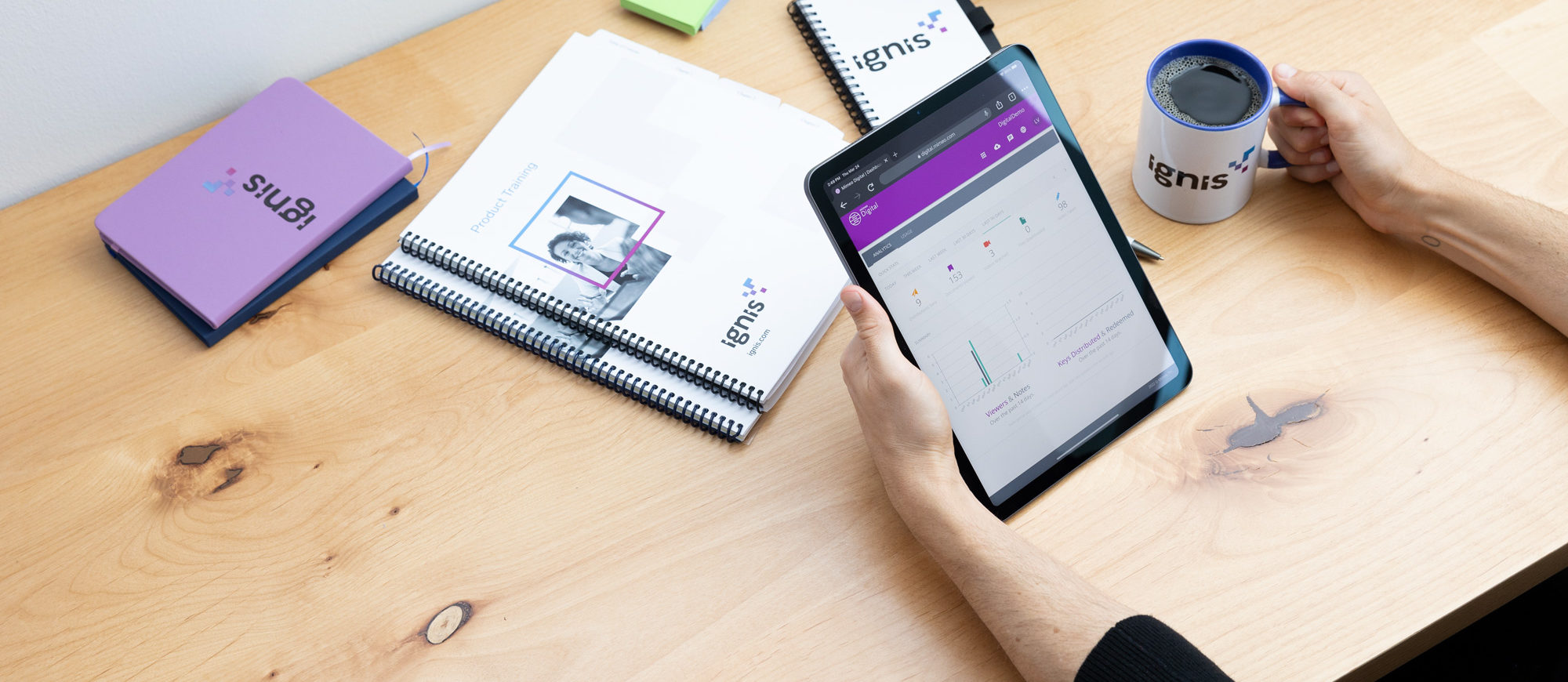
It combines the flexibility of digital delivery with the reliability of offline access.
Before You Arrive: A Quick Checklist
- Confirm the internet policy with your contact before the session
- Save your presentation and supporting files locally
- Check whether external USB drives are permitted at the venue
- Order printed materials with enough lead time for delivery
- Upload digital content to Mimeo Digital so learners can download it ahead of time
- Bring a printed agenda and facilitator notes as a backup
Key Takeaways
- Lost connectivity happens. Plan for it rather than hoping for the best.
- Printed materials improve retention and reduce your dependency on a live connection.
- On-demand printing makes it practical to have professional materials ready for any session.
- Offline-capable platforms like Mimeo Digital let you deliver digital content without relying on the internet.
- Use the offline environment as a reason to lean into activities that get learners engaged with each other.

Taulant Balla
Senior Digital Developer
Taulant Balla is a Senior Developer at Mimeo, with 15+ years' experience building and optimizing web properties for the print industry. He focuses on web performance, technical SEO, and front-end development across high-traffic sites. His posts help print and marketing businesses understand how the technical side of their web presence directly affects discoverability and customer experience.

 Mimeo Print
 Mimeo Digital for Participants
 Mimeo Marketplace
 PrintX
 Mimeo Photos